

I. Creating new vehicles
Step 1: Go to Settings > Vehicle Information
Step 2: Select the + button
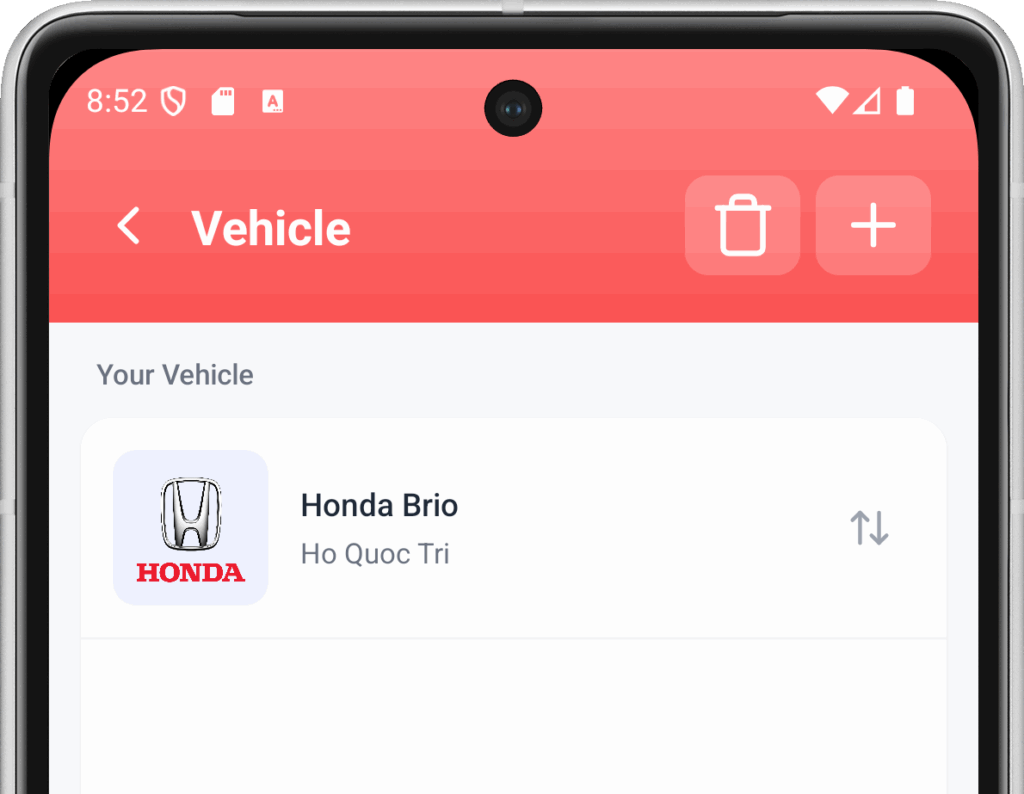
Step 3: Fill in the necessary information for your vehicle.
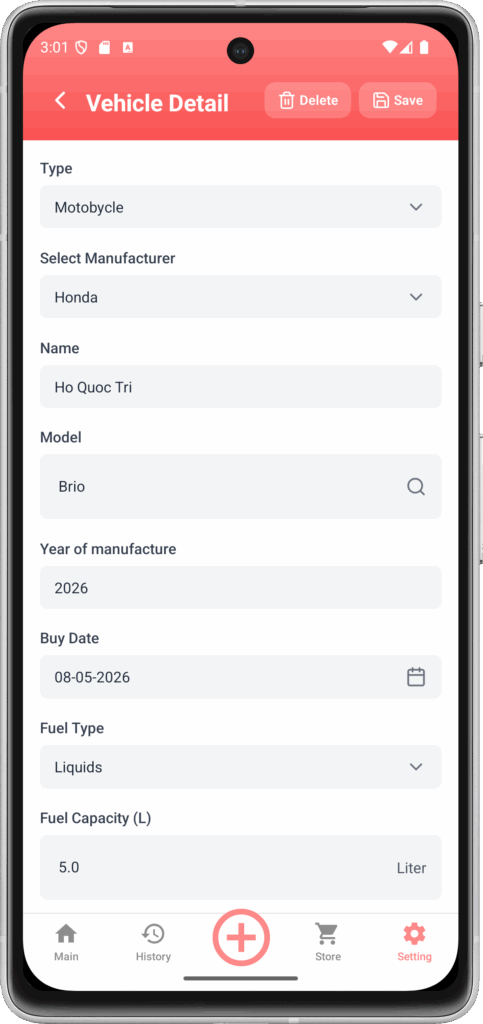
- Loại : Cars | Motorcycles | Trucks or other vehicles
- Manufacturer:Choose a car brand.
- Name: Name of the vehicle
- Model: Select the vehicle model.
- Year of manufacture: The year the car was launched
- Date of purchase: The date you purchased the vehicle
- Fuel type: Gasoline/Diesel or Electricity
- Fuel tank capacity (L): Enter the manufacturer's stated fuel tank capacity.
- Battery capacity (kWh)Enter the battery capacity as specified by the manufacturer.
- Activate: Turn off or on
You can create up to 10 vehicles.
II. Vehicle Arrangement
You can rearrange the media displayed on the home screen by grabbing and dragging the desired location in the Media List.
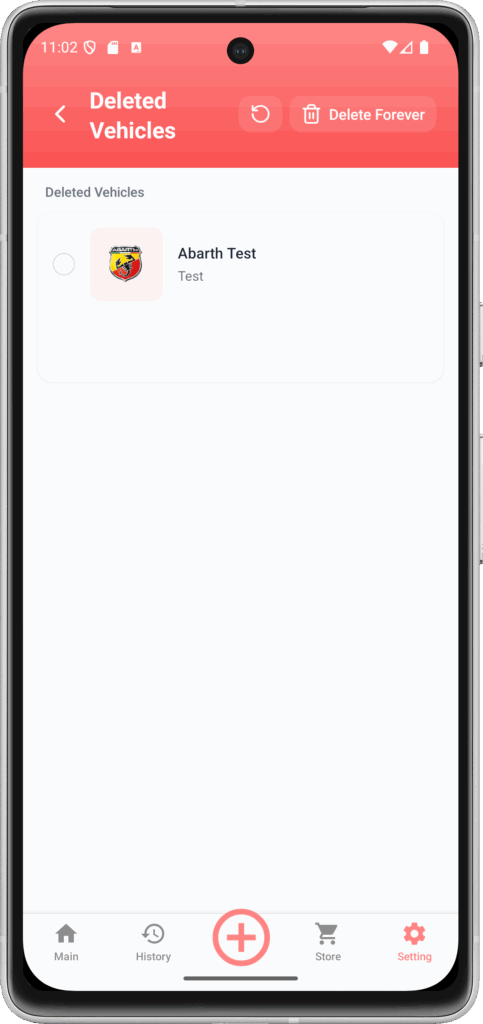
III. Restoring and permanently deleting the vehicle
Step 1: Go to Settings > Vehicle Information
Step 2: Select the trash can icon.
Step 3: Select the media to delete or restore.
See details ==> here

 EN
EN  VI
VI